Real SSH
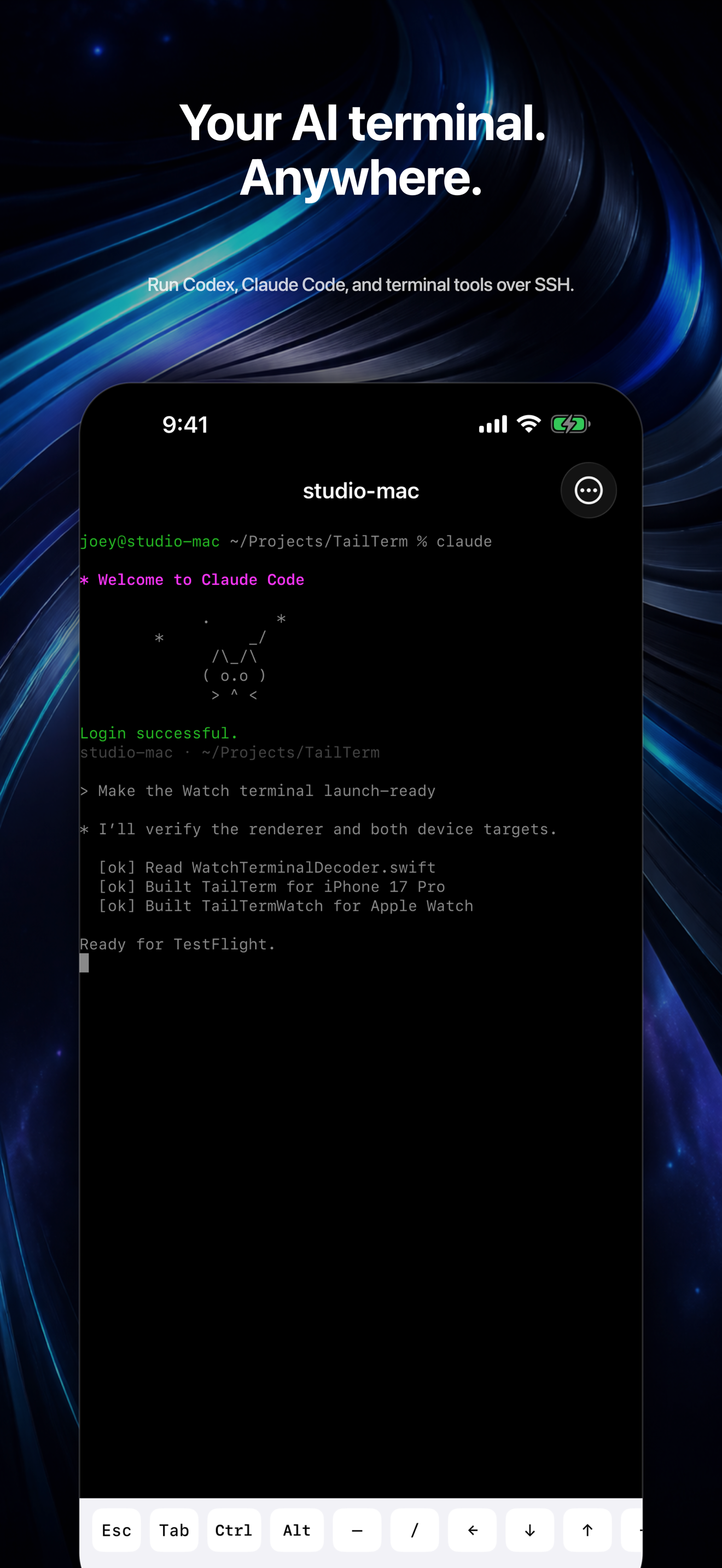
Interactive terminal sessions routed through your Tailscale network.
SSH for iPhone + Apple Watch
Run Codex, Claude Code, tmux, and any terminal tool on your Tailscale network—from your phone or your wrist.
One launch email. No spam. Privacy
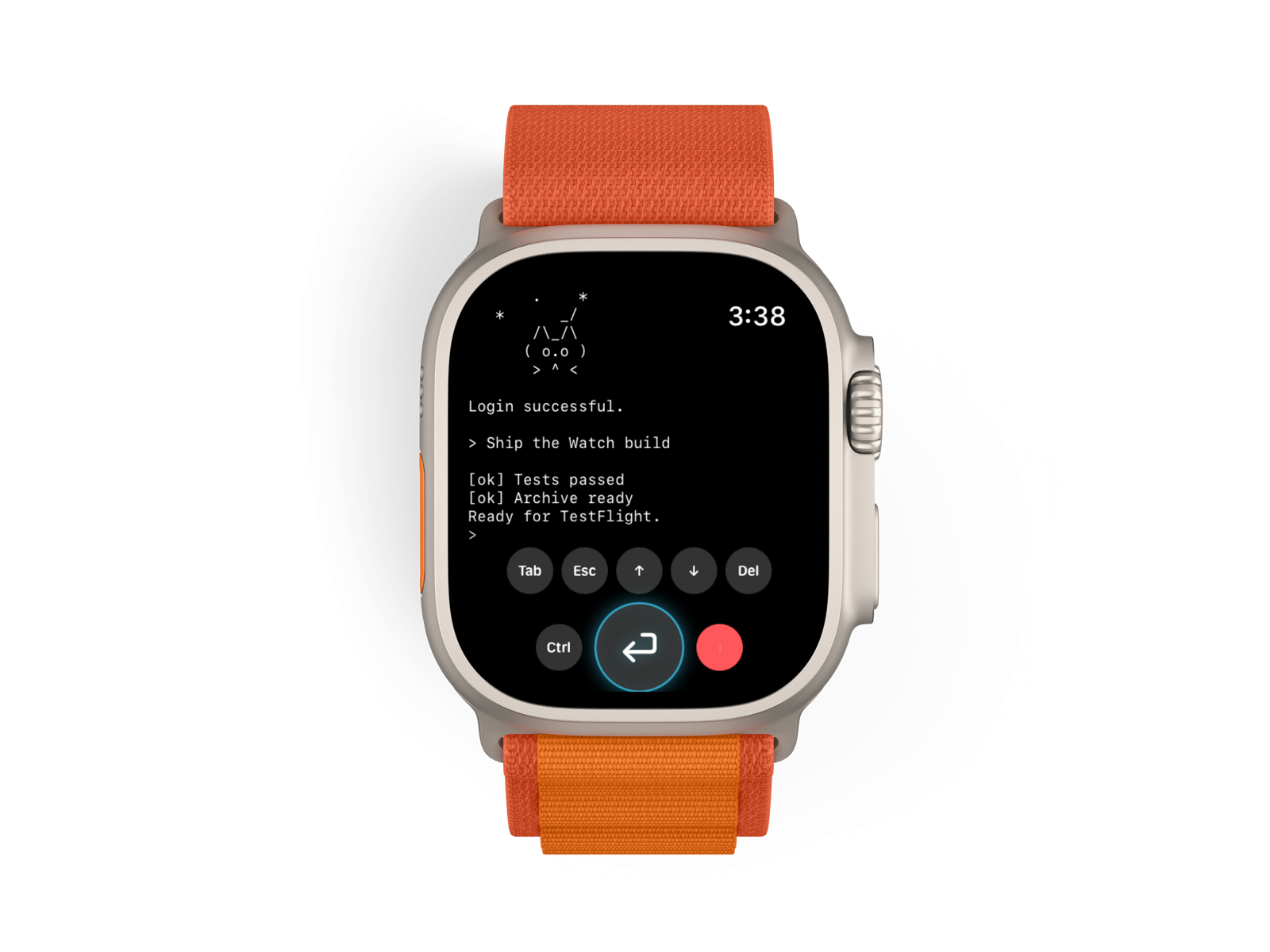
Interactive terminal sessions routed through your Tailscale network.
Use Codex, Claude Code, shells, editors, and remote development tools.
Separate tmux sessions keep iPhone and Watch workflows alive.
“My Mac mini at home, MacBook on the go, iPad, iPhone, and Android tablets all share one secure Tailscale network—for free. TailTerm gives me quick SSH access to every device, so I can run interactive Claude Code or Codex sessions from my wrist. Vibe coding at the gym, on a hike, or by the pool.”
Built for the terminal
TailTerm renders a real interactive terminal and gives each device its own SSH and tmux session.
Questions
TailTerm sends native Watch input to an SSH session hosted by the companion iPhone, then renders the terminal output on the Watch.
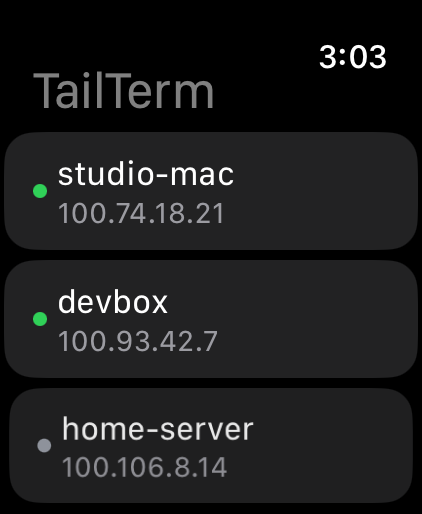
Yes. TailTerm lists your Tailscale nodes and connects to SSH services through the iPhone’s active Tailscale network. Download Tailscale to connect your devices.
Yes. Install the command-line tool on the remote machine, connect with TailTerm, and launch it from the SSH terminal.
No. Each device uses a separate tmux session, so its terminal size and conversation remain independent.